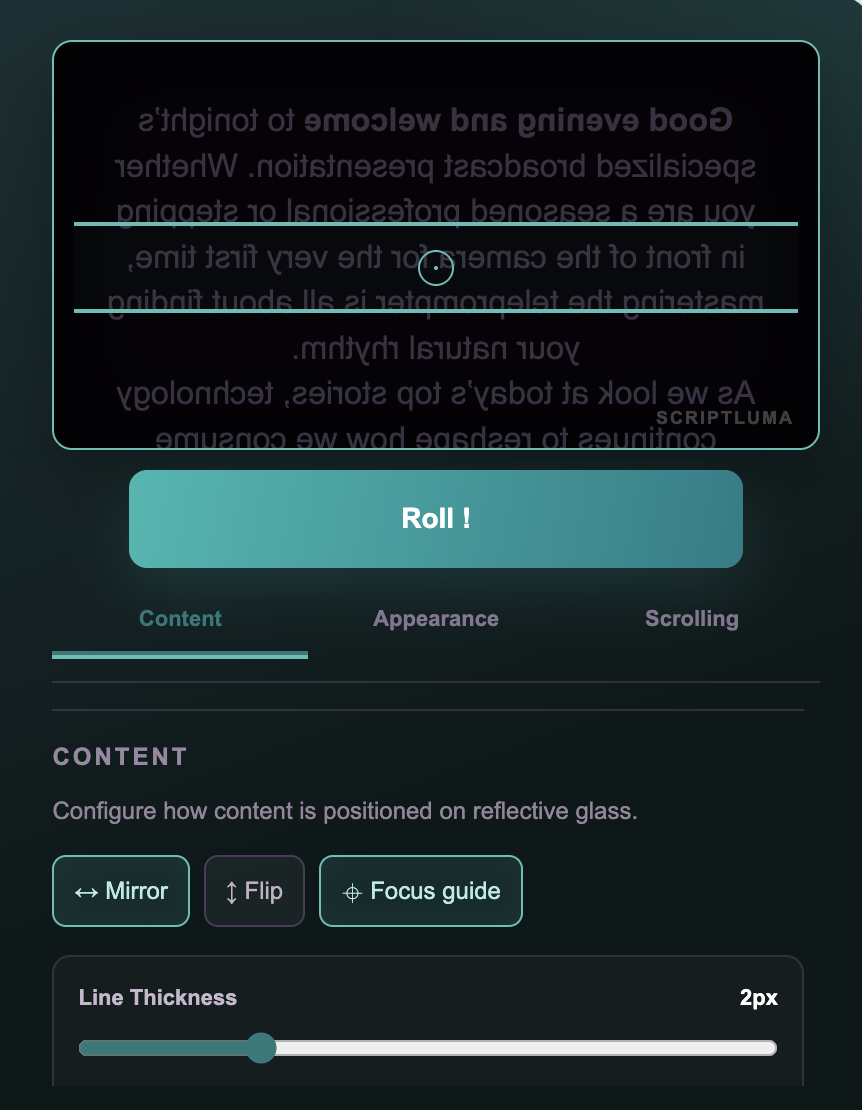
ScriptLuma keeps every line near the lens so you can speak naturally and stay connected with your audience. Your script scrolls as you speak, pauses when you pause, and helps you find your place again.
Every feature is designed to keep your eyes on the lens and your mind on the message.
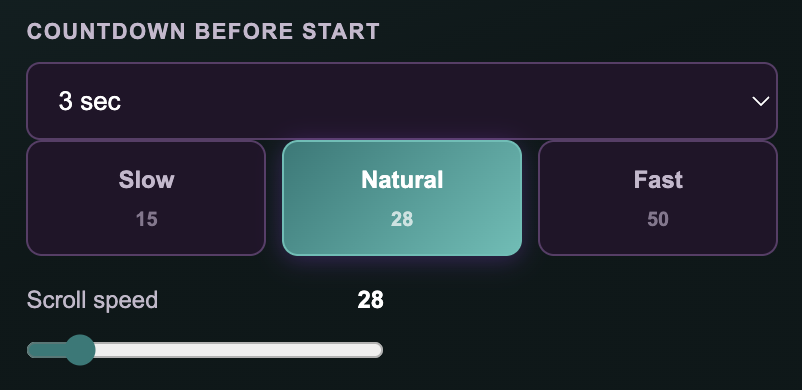
The script moves as you speak and pauses when you pause. Three sensitivity levels adapt to your delivery style, from measured to rapid-fire.
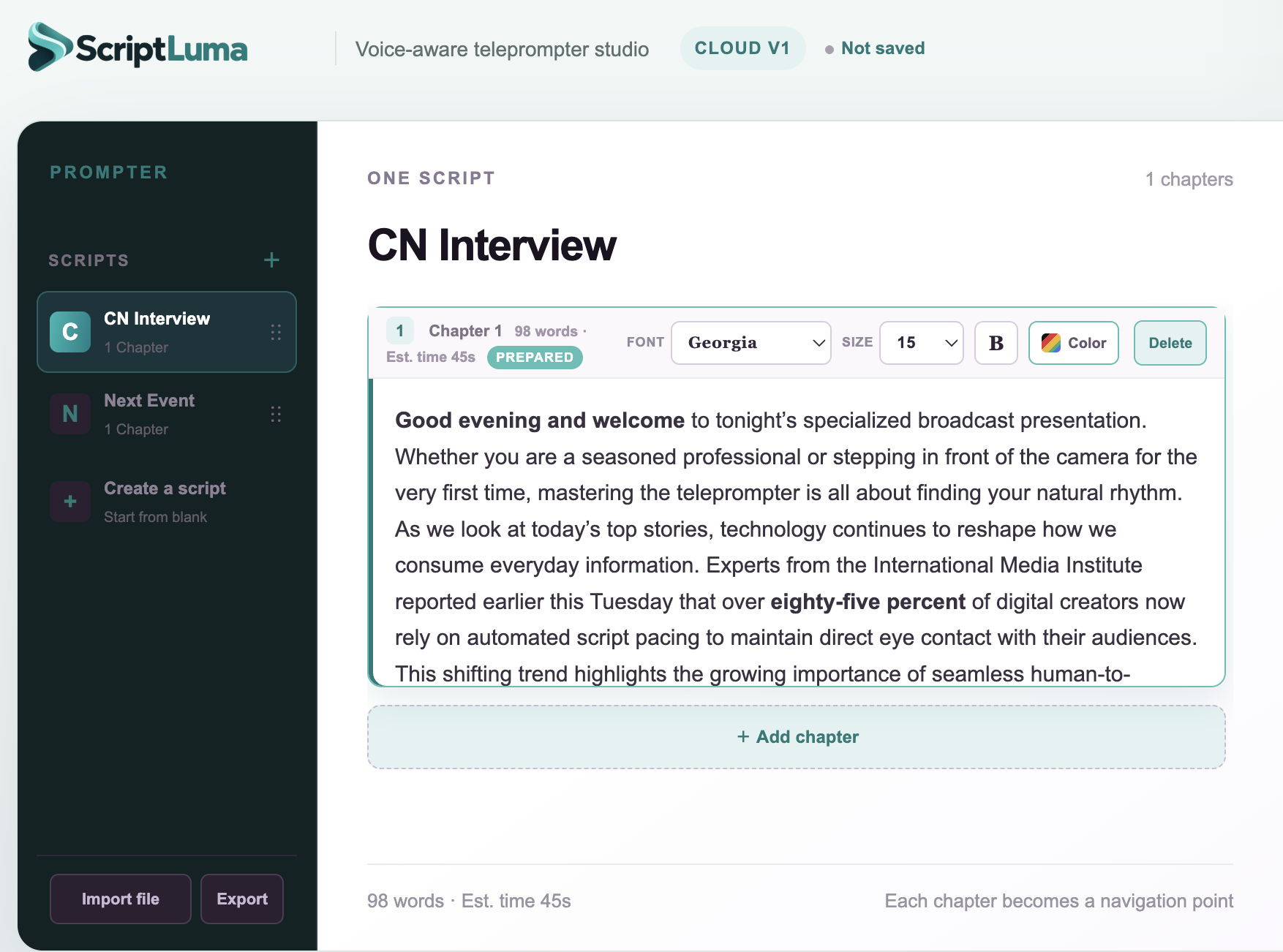
Organize your content into chapters with independent font, size, and color per section. Drag chapters to reorder. Each chapter becomes a navigation point.
Built for reflective teleprompter rigs. Switch on Mirror mode, rotate to landscape, and place your phone or tablet beneath the glass. Desview and similar rigs work out of the box.
Open a second window on any connected display with BroadcastChannel sync. Your audience sees one thing; you see another. No third-party software needed.
Sign in with ScriptLuma Cloud to save scripts across devices. Free accounts get 100 scripts on one device. Pro unlocks 1,000 scripts, 3 devices, and expanded languages.
Work in English, Spanish, Portuguese, French, German, Japanese, Korean, or Chinese. Voice Follow supports all these languages with native speech recognition.
Import .txt and .docx files directly into a new script. Export back to .txt or Word format. Your content is never locked in.
A customizable guide line highlights the current reading position. Choose from five colors and adjust thickness to match your rig and lighting.
No setup, no plugins, no learning curve. ScriptLuma runs in your browser.
Type directly into the editor or import a .txt or .docx file. Split content into chapters for easy navigation during your presentation.
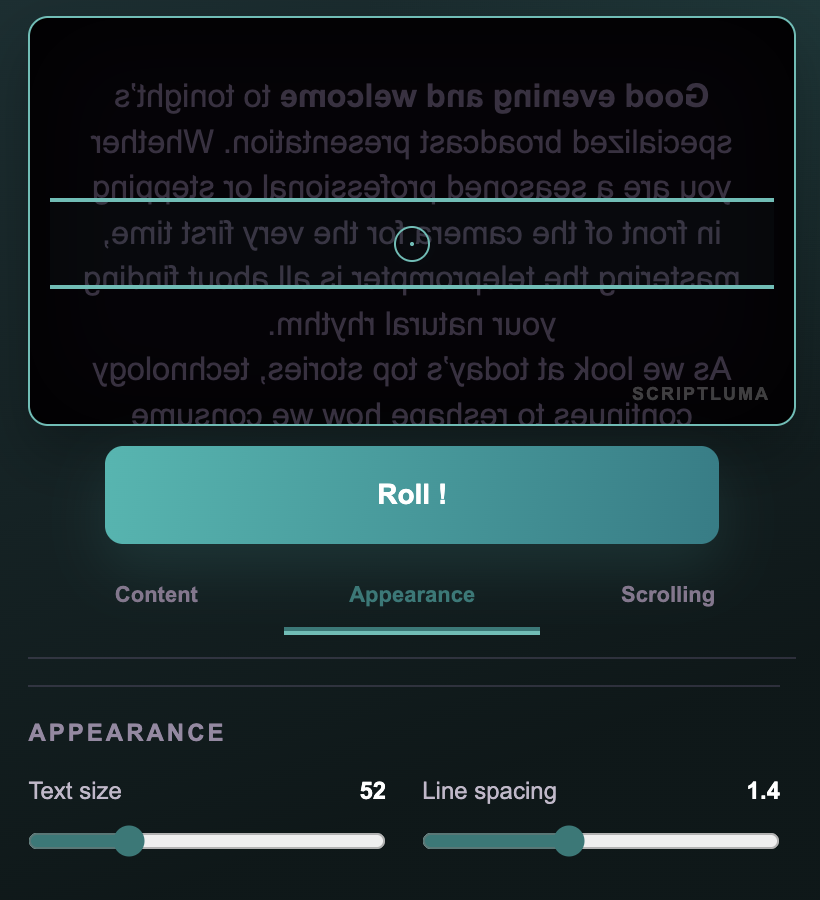
Set font size, line spacing, scroll speed, mirror mode, and voice sensitivity. Calibrate your microphone with the one-tap voice test.
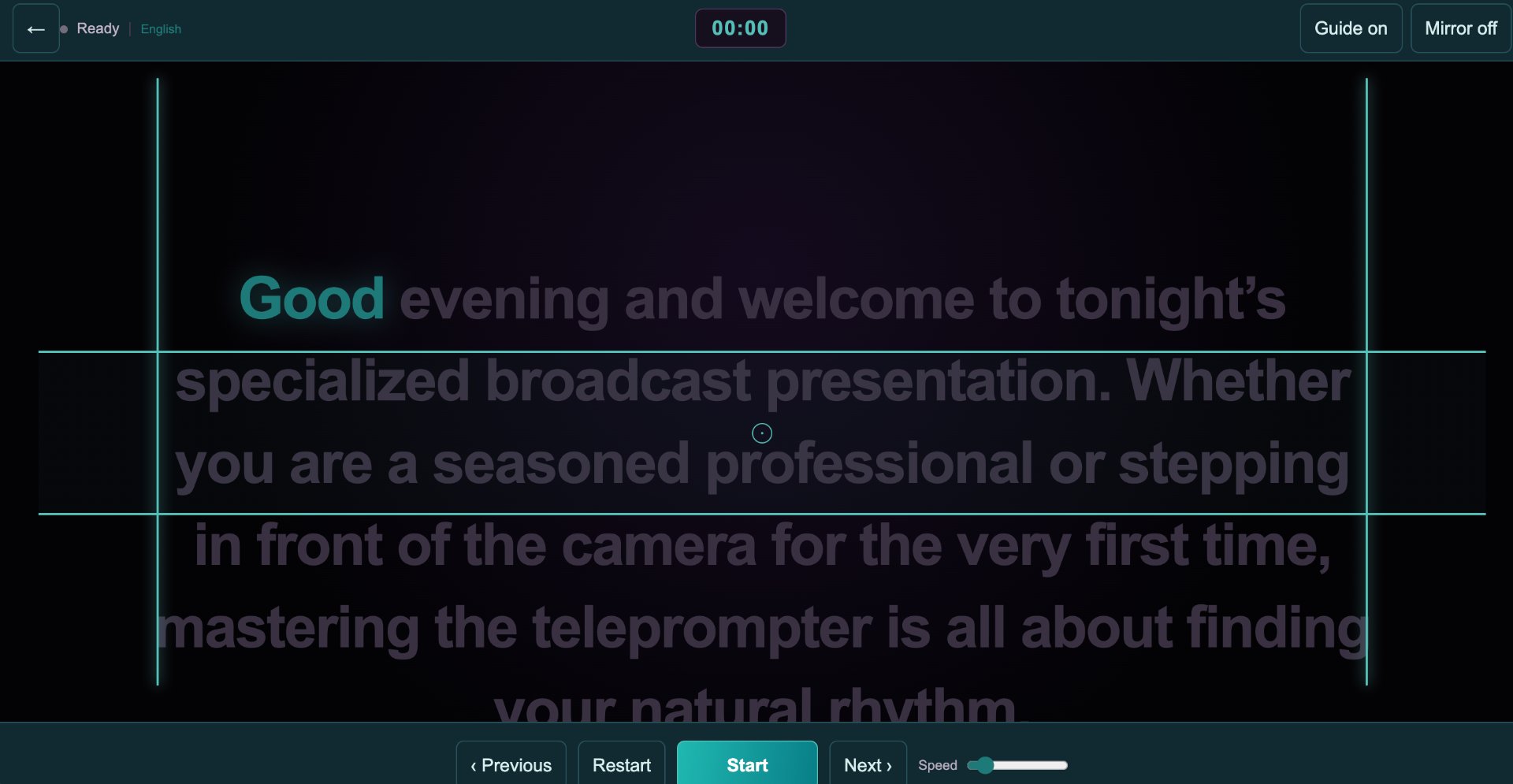
Press Roll. The countdown finishes and your script appears. Speak naturally — Voice Follow keeps pace. Pause, ad-lib, and pick up right where you left off.
A clean editor, a focused control panel, and a distraction-free presentation view when you step out of the room.
Native desktop apps for macOS and Windows are coming soon. The web app works today on any browser — including phones and tablets.
Take ScriptLuma on the road. Native iOS and Android apps are in development — optimized for one-handed control, low-light presenters, and on-location shoots.
Start free with everything you need to present today. Pro unlocks the full studio — bigger limits, more devices, and the features we're building next.
Pro launches with payments soon. Subscribe to get notified and lock in launch pricing.